The Mental Shift: Unlearning Next.js 12 to Master the App Router
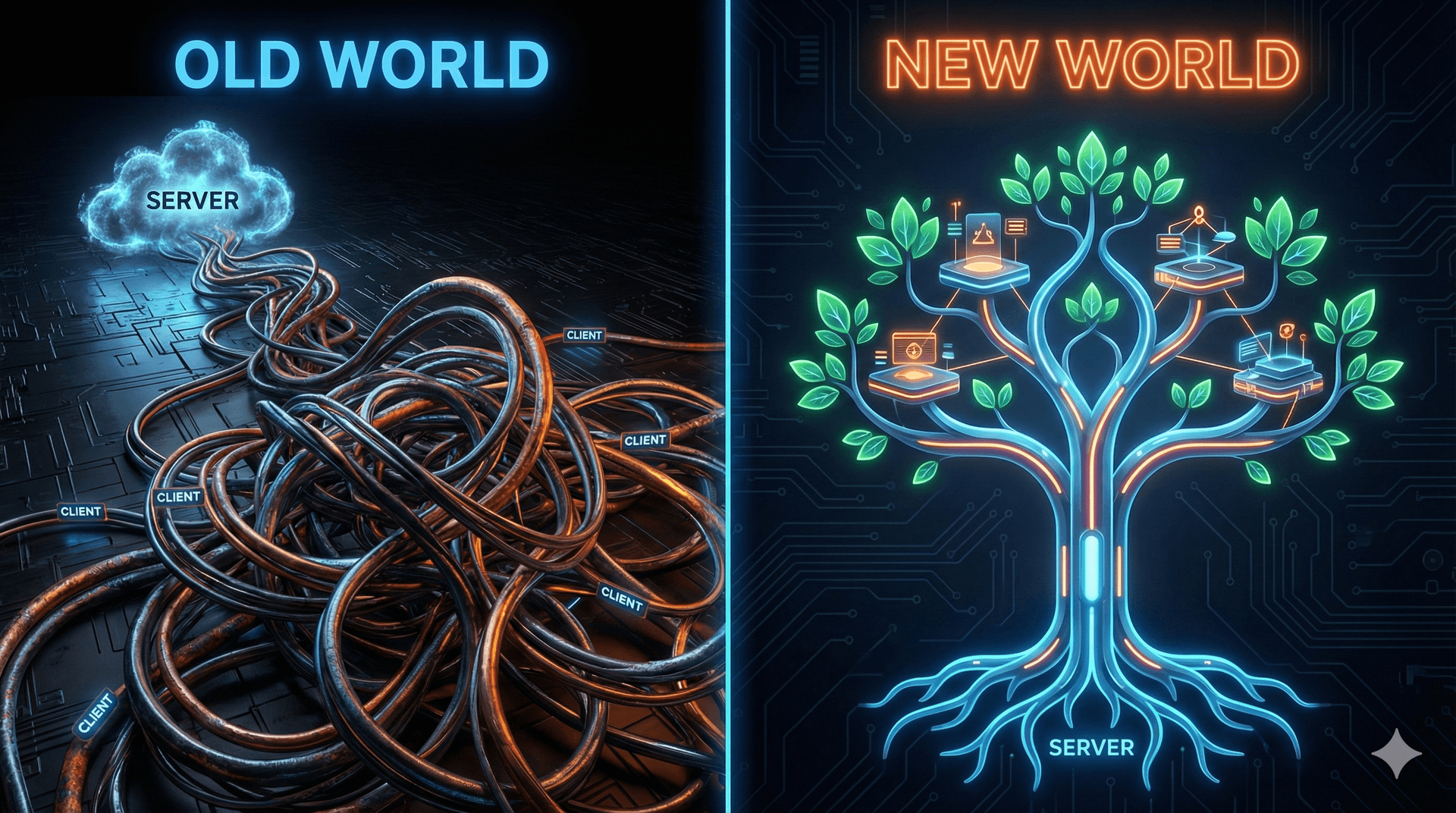
Moving to Next.js 14/15 (App Router) isn't just a version upgrade. It's not like bumping a dependency where you check the changelog for breaking changes. It is a migration to a completely different framework.
If you have been working with React and Next.js for as long as I have—building scalable systems for fintech or handling high-traffic platforms—you develop a certain muscle memory. You know exactly where getServerSideProps goes. You know how the _app.tsx wraps your logic. You know the exact "waterfall" pain points of client-side fetching.
The hardest part of this transition isn't the new syntax; it's the architectural unlearning required. In this article, I want to dissect the fundamental "Mental Model" shift from the Pages Router (Client-centric) to the App Router (Server-first).
The Old World: The "Thick Client" Illusion
In Next.js 12 (Pages Router), we lived in a world where the boundary between server and client was somewhat artificial. We wrote getServerSideProps or getStaticProps, which ran on the server, but the component itself—the React part—was inevitably shipped to the browser to be hydrated.
The mental model was:
- Server: Fetches data, renders HTML string.
- Network: Sends HTML + JSON data + JavaScript bundle.
- Client: Downloads JS, executes React, hydrates the DOM, and takes over.
This architecture forced us into a specific data-fetching corner. If you needed data deeply nested in a component tree, you had two bad choices:
- Prop Drilling: Fetch it at the top level (Page) and pass it down 10 layers.
- Client Fetching: Render the shell, then use
useEffect(or React Query) to fetch data on the client, causing layout shifts and waterfalls.
We spent years optimizing this. We built complex state management just to hold data that strictly belonged to the UI. We accepted that our "Frontend" was responsible for distinct API calls to our backend.
The New Reality: React Server Components (RSC)
The App Router introduces React Server Components (RSC). This is the paradigm shift.
In v15+, the default component is a Server Component. It renders only on the server. It never hydrates. Its code is never sent to the client.
This changes everything.
Instead of your component being a template waiting for data, your component is the backend. It can connect directly to the database. It can read the file system. It can keep secrets.
The Code: A Practical Comparison
Let's look at a standard requirement: Fetching a user's profile and their dashboard settings.
1. The Next.js 12 Way (Pages Router)
In the old model, we separated the fetching from the component.
// pages/dashboard.tsx

import { GetServerSideProps } from 'next';

import { User, Settings } from '../types';

interface Props {
  user: User;
  settings: Settings;
}

export const getServerSideProps: GetServerSideProps<Props> = async (context) => {
  // 1. Fetching happens here, decoupled from UI
  const userRes = await fetch('https://api.internal/user', {
    headers: { Cookie: context.req.headers.cookie || '' }
  });
  const settingsRes = await fetch(`https://api.internal/settings/${userRes.id}`);

  const user = await userRes.json();
  const settings = await settingsRes.json();

  return {
    props: {
      user,
      settings,
    },
  };
};

// 2. The component receives data as props
export default function Dashboard({ user, settings }: Props) {
  return (
    <main>
      <h1>Welcome, {user.name}</h1>
      <SettingsPanel data={settings} />
    </main>
  );
}
The friction: If <SettingsPanel> needs more data later, I have to edit getServerSideProps (the parent) and drill the new props down. The component is not self-contained.
2. The Next.js 15 Way (App Router)
In the modern stack, we colocate data requirements with the UI. We mark the component as async and await data right inside the render function.
// app/dashboard/page.tsx

import { cookies } from 'next/headers';
import { SettingsPanel } from './_components/settings-panel';

// This is a Server Component by default
export default async function DashboardPage() {
  // 1. Direct access to headers/cookies
  const cookieStore = await cookies();
  const token = cookieStore.get('auth_token');

  // 2. Fetch data directly inside the component
  const user = await getUser(token?.value);

  return (
    <main>
      <h1>Welcome, {user.name}</h1>
      {/* 3. No prop drilling for settings.
           The SettingsPanel can fetch its own data!
      */}
      <SettingsPanel userId={user.id} />
    </main>
  );
}

// app/dashboard/_components/settings-panel.tsx

async function SettingsPanel({ userId }: { userId: string }) {
  // This component fetches its own dependencies on the server
  const settings = await db.settings.findUnique({ where: { userId } });

  return (
    <section>
      <h2>Settings</h2>
      <pre>{JSON.stringify(settings, null, 2)}</pre>
    </section>
  );
}
Why this matters (The "Aha!" Moment)
Notice SettingsPanel. It fetches its own data. In Next.js 12, this would have been a client-side fetch (loading spinner) or a prop-drilling nightmare. In Next.js 15, React constructs the result on the server and streams the HTML. The browser receives the fully formed HTML for both the User and Settings, with zero client-side JavaScript execution required for that data.
The Heuristic: When to use "use client"
The most common question I get when mentoring teams on this transition is: "So, do we never use client components anymore?"
No. You use them when you need interactivity, not for data fetching.
This is the decision rule I use in my projects:

The Decision Rule:
- Does it need to read data (DB, API)? Server Component.
- Does it need to listen to the user (onClick, onChange, useState)? Client Component.
When you need interactivity, you explicitly opt-in by adding "use client" at the top of the file. This creates a "boundary."
// app/components/like-button.tsx

"use client"; // <--- The Boundary

import { useState } from 'react';

export default function LikeButton() {
  const [likes, setLikes] = useState(0); // Hooks only work here

  return (
    <button onClick={() => setLikes(prev => prev + 1)}>
      Like {likes}
    </button>
  );
}
You can then import this <LikeButton /> into your Server Component. The Server Component renders the static HTML, and the Client Component "hydrates" into an interactive island within that static sea.
Pros, Cons, and Reality Checks
The Pros
- Bundle Size: Server Component code is never sent to the browser. Large date formatting libraries or markdown parsers stay on the server.
- Security: You can query your DB directly in the component. No need to expose an API route just to populate a view.
- Mental Model: Components become self-contained units of functionality + data, rather than just display templates.
The Cons (The "Gotchas")
- Complexity: You now have to mentally track "Where is this rendering?" Mixing Server and Client components requires strict attention to boundaries.
- Ecosystem Lag: Not all third-party libraries support RSC yet (though most major ones like UI kits are catching up).
- Caching: Next.js 14/15 caches aggressively. In the old days,
getServerSidePropsran on every request. In the App Router, fetch requests are often cached by default. We will cover this deeper in Chapter 3.
Final Thoughts
The shift to the App Router is about moving the center of gravity from the client back to the server. It allows us to build applications that feel like SPAs (Single Page Applications) but have the performance and simplicity of MPAs (Multi-Page Applications).
It feels awkward at first. You will try to use useState in a Server Component and get an error. You will struggle with passing functions as props. But once it clicks—once you see your bundle size drop and your data flow simplify—you won't want to go back.
In the next chapter, we will tackle the Migration Strategy: how to structure the app/ directory and handle the "Hydration Mismatch" errors that inevitably pop up during the transition.